How it works
- 1Connect Simpro to ReviewNudger with an API key your own Simpro administrator creates — no password sharing, no OAuth screen, no partner approval to wait on. Your customers, sites, and jobs stay in Simpro; ReviewNudger only reads completed jobs and the customer contact on each one.
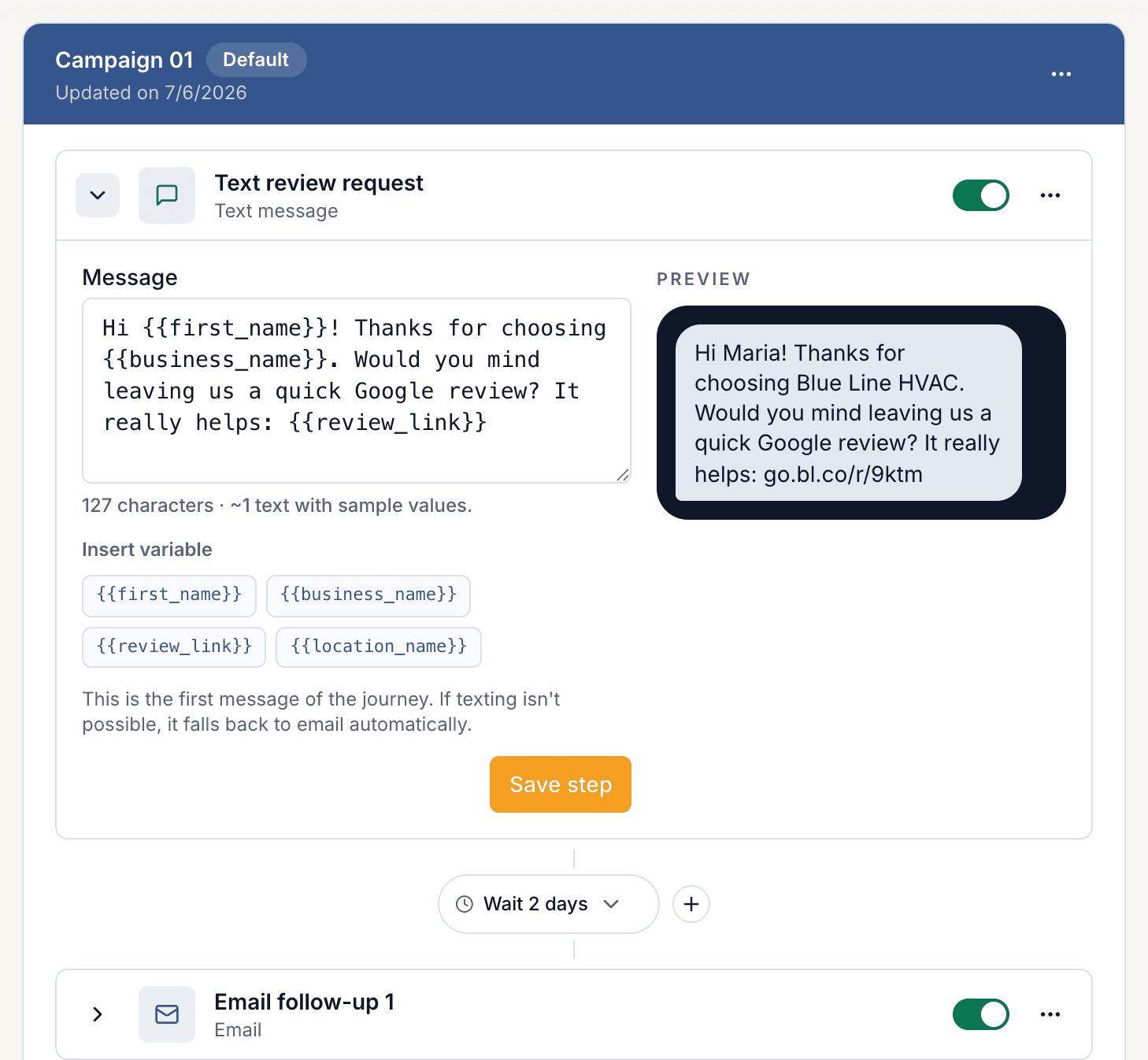
- 2ReviewNudger checks your build for newly completed jobs every few minutes. When a job reaches the Complete stage, it reads the job's customer contact (the person on the job or on site, then the customer record), applies your sending rules, and can send one neutral Google review request by SMS or email after the delay you choose — an hour after the tech leaves, or that evening.
- 3Each job asks once: invoicing or archiving the same job later never asks again, and jobs completed before you connected are never backfilled. Every send is tracked with delivery status, opt-outs, and review click-through.
Why a native connection beats middleware
The same four guarantees on every native integration — because they come from the platform, not the connector.
No middleware account or per-task fees
The connection runs directly between your account and ReviewNudger. There is no third-party automation account to maintain and no per-task metering on your review requests.
No manual field mapping
ReviewNudger already knows the provider's payload. Customer name, phone, and email resolve automatically — there are no field mappings to build or quietly break later.
Built-in duplicate protection
Every incoming event is deduplicated before any message goes out, so provider retries and replays can never double-text a customer.
Opt-out compliance handled
STOP replies and email unsubscribes are recorded per customer and honored automatically on every future trigger.
Set up the Simpro integration
- 1Start a ReviewNudger trial and finish the short signup.
- 2In Simpro, have an administrator open System › Setup › API › Applications and create an application named ReviewNudger with the API Key grant, then copy the key.
- 3Paste your build address (for example acme.simprosuite.com), the API key, and — only for multi-company builds — the Company ID into ReviewNudger and click Connect.
- 4Mark a real job Complete in Simpro to confirm the trigger end to end.
- 5Done. Each completed job can now start one automatic review request under your sending rules.
Related resources
Useful next steps for choosing a trigger, setting up the request, and putting the workflow into practice.
Frequently asked questions
Do I need a Zapier account to connect Simpro?
No. The Simpro integration is native: you connect it directly inside ReviewNudger, with no middleware account, no per-task automation fees, and no field mapping to maintain.
What exactly triggers a review request?
Each time a job is marked Complete in Simpro, ReviewNudger records the event and evaluates it against your per-location send delay, cooldown, contact, and channel rules. One matching event can create one review-request journey by SMS or email.
Can a retry or duplicate webhook double-text a customer?
No. Every incoming event is deduplicated before any message is sent, and each event can create at most one review request. Provider retries and replays collapse onto the same request instead of sending twice.
What about customers who opt out?
SMS recipients can reply STOP at any time and email recipients can unsubscribe. Opt-outs are recorded per customer and honored across every future Simpro-triggered event.
Do I need Simpro partner approval or a special plan?
No. Simpro lets any build's administrator create an API application, and the API Key grant issues a single access token that never expires — that is all ReviewNudger needs. Simpro allows ten API requests per second per build; ReviewNudger makes one small read every few minutes plus one contact lookup per completed job.
Which contact gets the request, and what about company customers?
ReviewNudger uses the job's customer contact first, then the site contact, then the customer record itself. Individual customers carry their own email and mobile; company customers only carry an office email, so the person named on the job or the site is what makes a company job reachable. Jobs with no email or phone anywhere are recorded and skipped, and the connection panel shows how many.
Questions before you start? Email support@reviewnudger.com and a human will answer.