
Free Google review tools
Free tools for your next Google review.
Check your listing, plan a rating goal or write a reply. 6 free tools to try without an account, plus the website widget included in the plan.
- Check your listing
- Plan a rating goal
- Draft a reply
Free · no signup
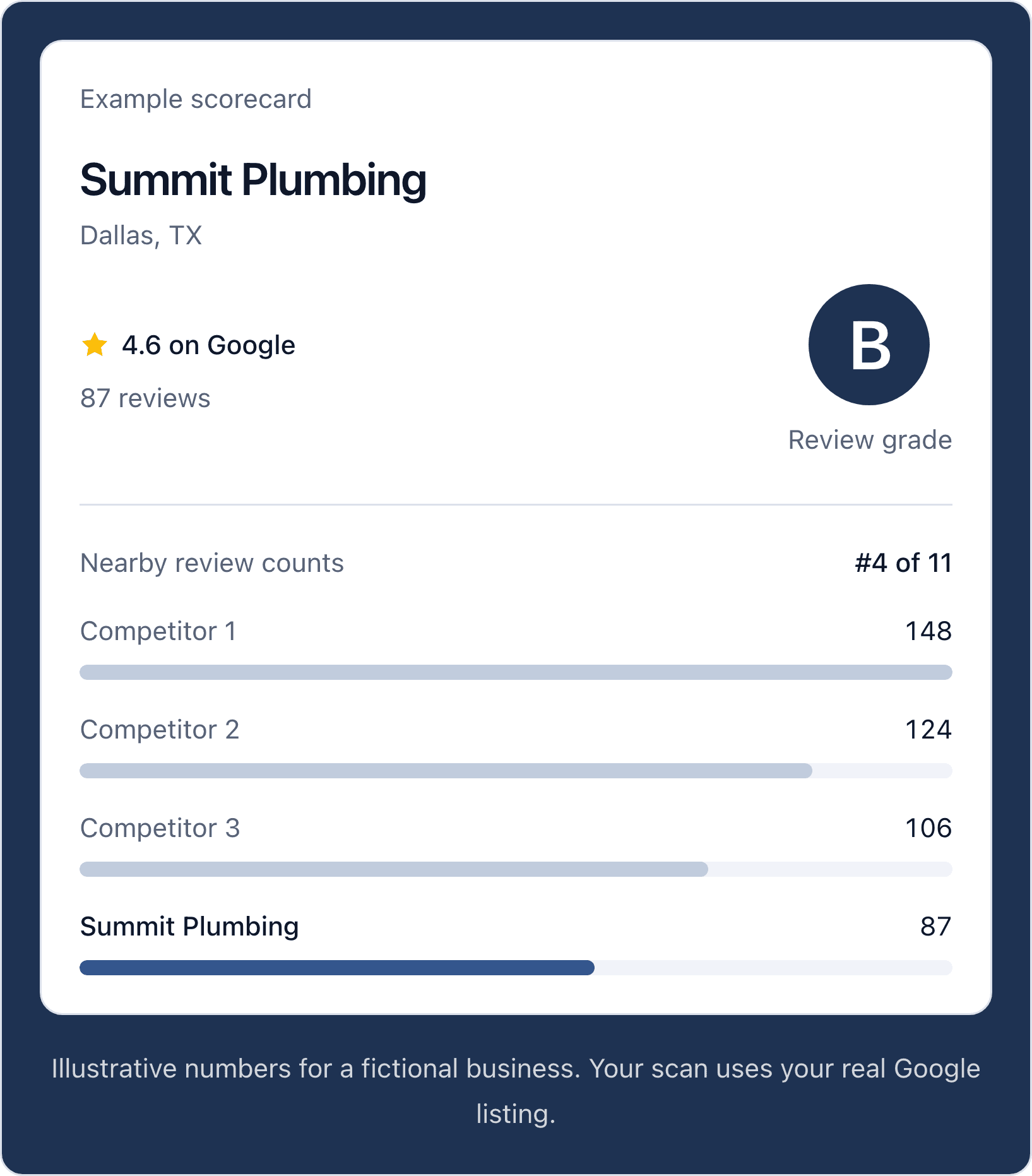
Google review scanner
See your review grade, rating and count, plus your rank against nearby listings.
Scan your listingExample preview · fictional data
Free · runs in your browser
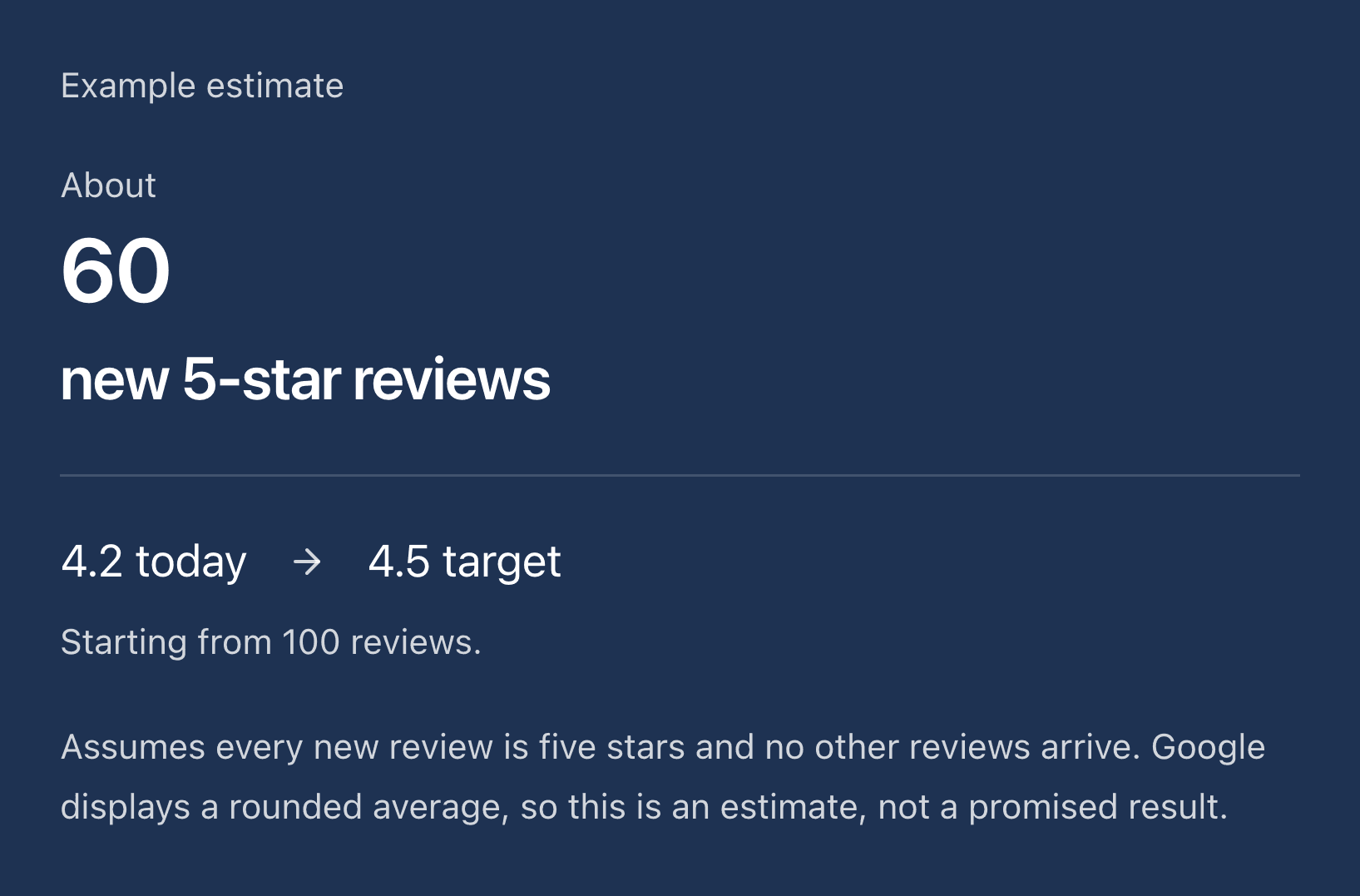
Google review calculator
Work out how many five-star reviews could raise your rating. An estimate, not a promise.
Calculate your goalExample preview · fictional data
Free · runs in your browser
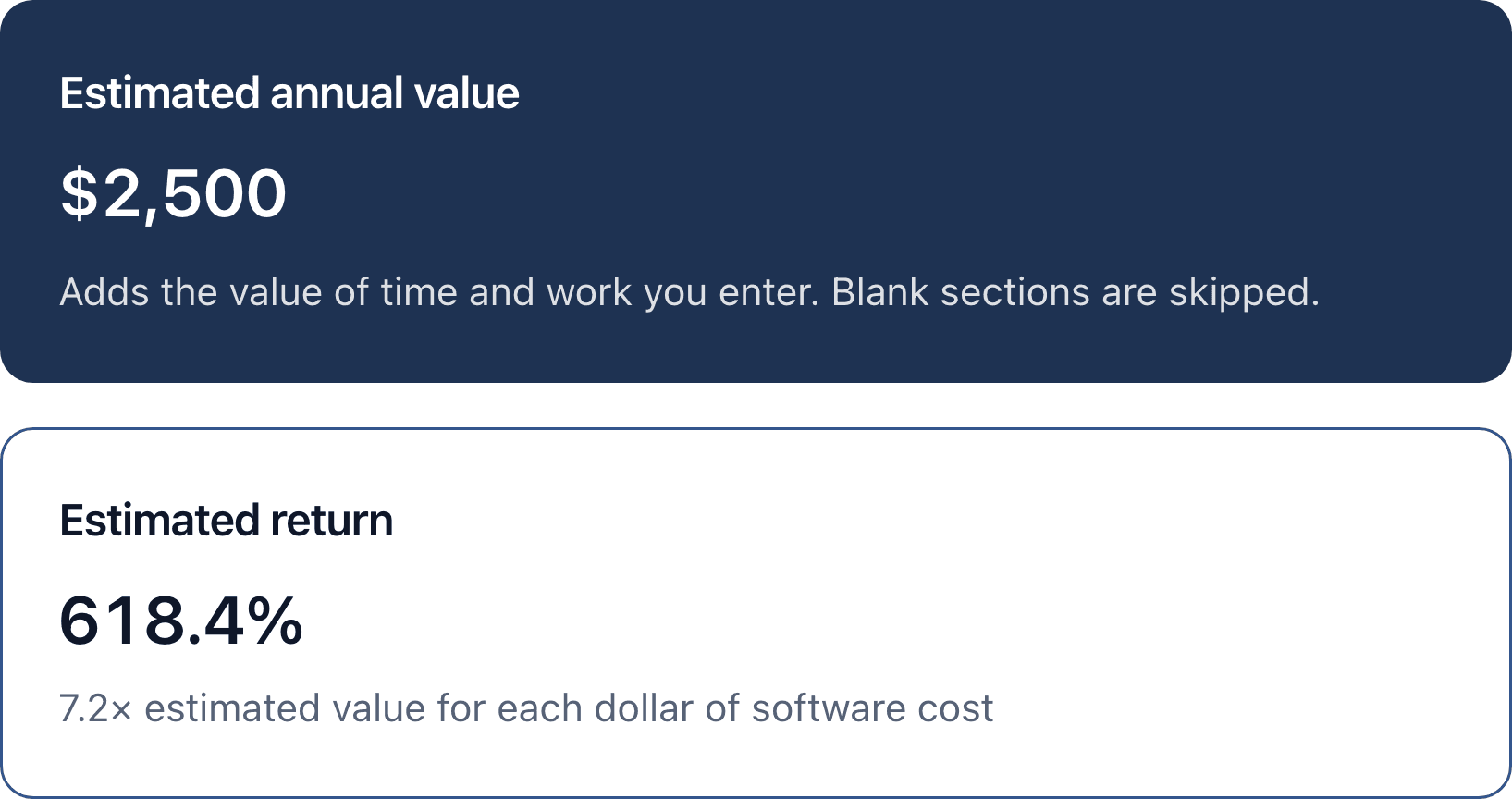
Review ROI calculator
Compare the value you estimate from time and work with your review software cost.
Estimate your returnExample preview · fictional data
Free · no signup
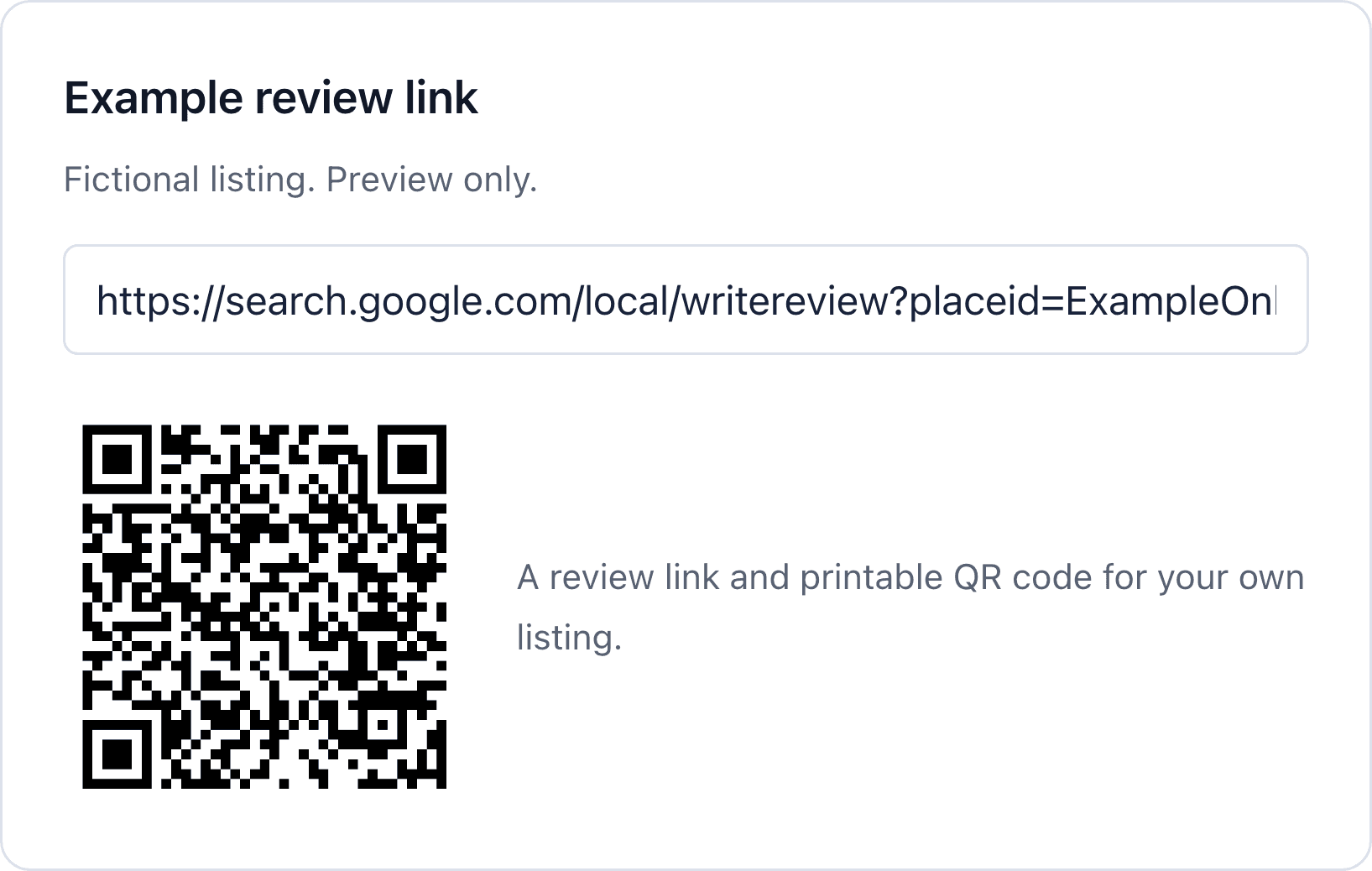
Review link and QR generator
Get the direct review link for your Google listing and a printable QR code.
Make your review linkExample preview · fictional data
Free · five drafts per 10 minutes
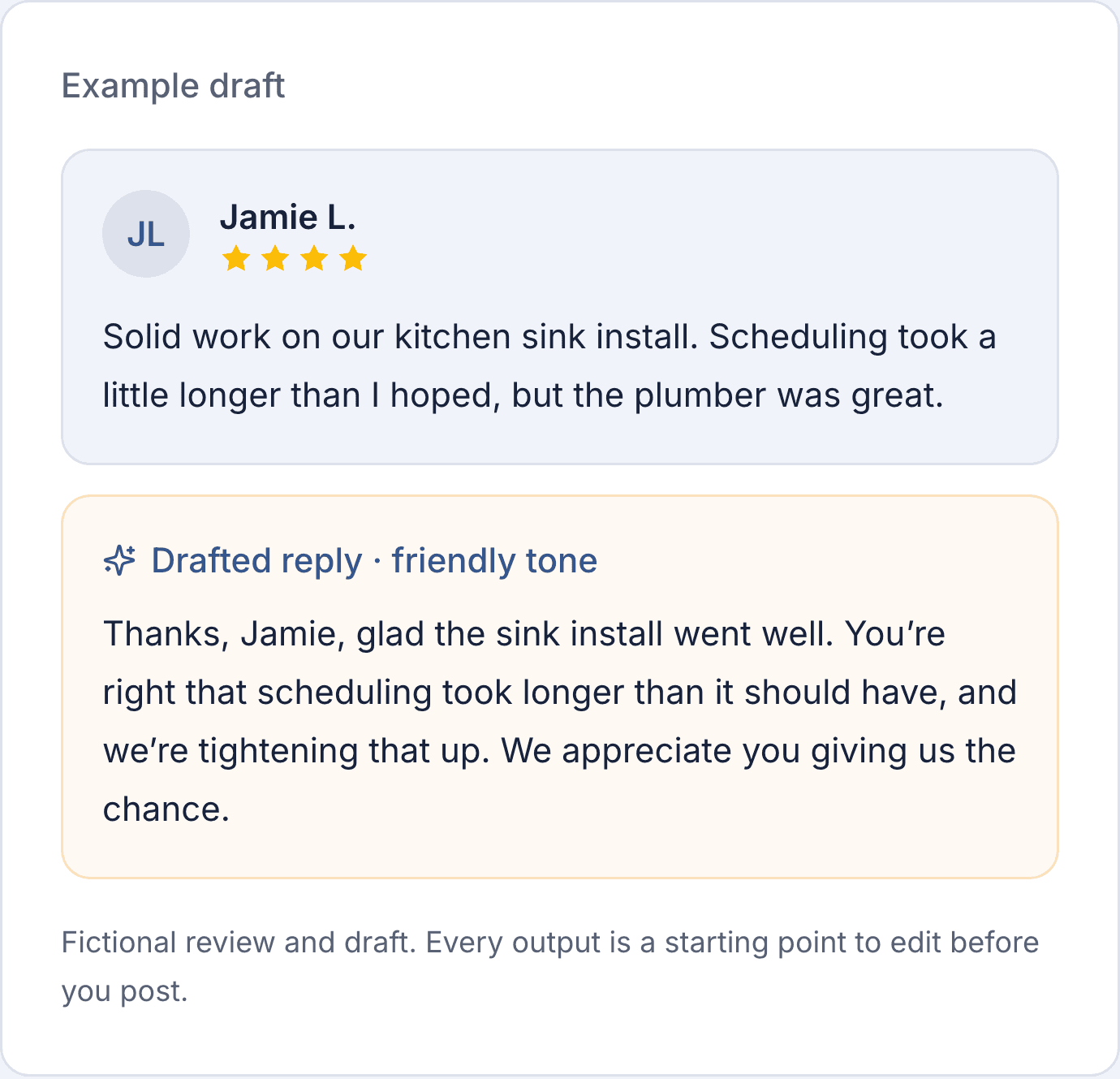
Review response generator
Create an AI reply from your review details. Check and edit the draft before posting.
Draft a replyExample preview · fictional data
Free · US/Canada mobile numbers
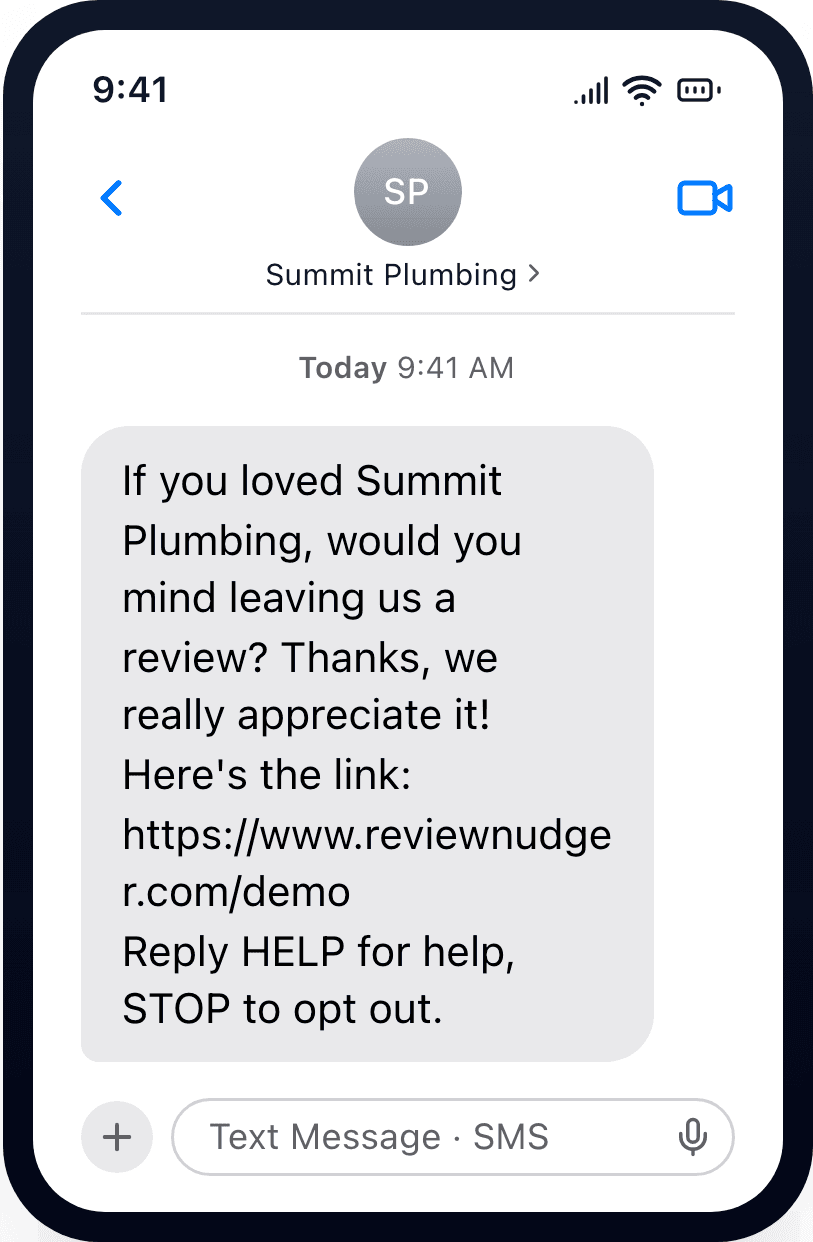
Live demo text
See a review request on your own phone. The sample link opens our demo video.
Try the textExample preview · fictional data
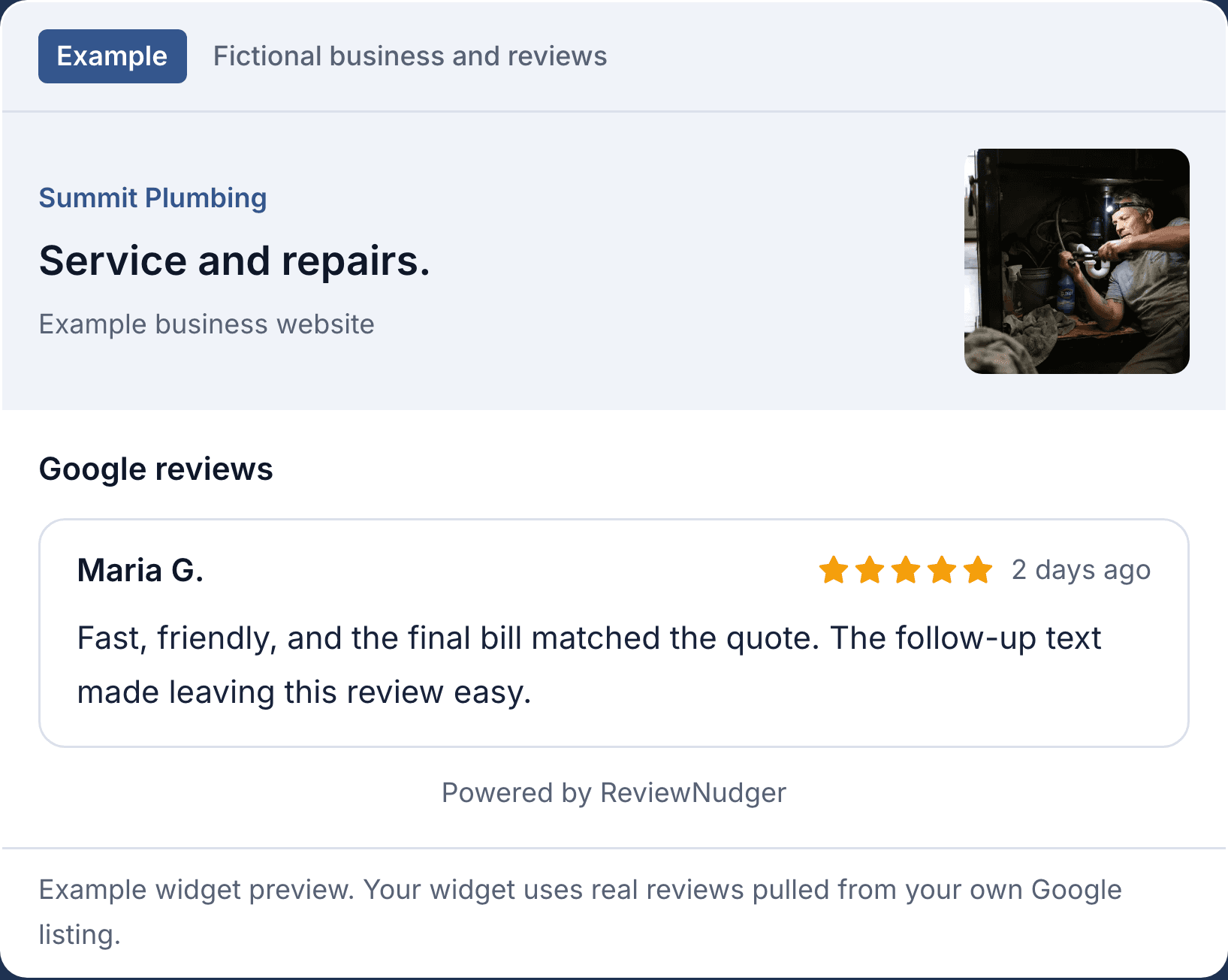
Google review widget
Put your Google reviews on your website with code you copy and paste.
Useful before you subscribe.
A free tool can solve one task. When you want to ask every time, ReviewNudger follows up after jobs and payments with every customer you can contact.
- Try the 6 free tools without creating an account.
- Get an estimate or a draft, with its limits explained.
- Turn on automatic requests when it fits your business.
Every customer you can contact gets the same review request. There is no review gating by default. Pre-screens are optional. They still show the public review link to customers who answer negatively or below your threshold.
Explore the product featuresQuestions about the tools
Are these tools free?
6 of the 7 are. You can try these without a ReviewNudger account: the scanner, the rating and ROI calculators, the link and QR generator, the reply generator, and the demo text. The website widget is included in the $29/month-per-location subscription. Its 14-day trial requires a card. It costs nothing if you cancel before it ends. Canceling during the trial ends the trial and your access right away, and you are not charged. Reviewers still need to sign in to Google to leave a Google review.
Which one should I start with?
Start with the scanner. It shows your Google rating, your review count, and how you compare nearby. Use the calculator to set a rating goal. Use the link generator to share your review form. Use the reply generator to draft a response. The ROI calculator compares the value you enter with your software cost. The demo text shows what your customer gets. The widget shows how reviews can look on your website.
Will I need to share my contact details?
The scanner shows your grade and rank without an email. Competitor names and the emailed report are optional. The calculators and link generator do not need contact details. What you type in the reply generator goes to OpenAI for a draft. This tool does not save it. The demo text needs your mobile number and consent. Its form explains the text, the optional email, and follow-up terms before you submit.
Are there usage limits?
The scanner and link generator share a limit of ten lookups per ten minutes per IP address. The reply generator allows five drafts per ten minutes per IP. The demo text works with US and Canada mobile numbers. Each number gets at most one try per day. Network limits, daily capacity limits, and availability checks also apply. Each tool shows its own requirements and errors.
Do the previews show real customer results?
No. These are examples from our tools and product illustrations. They use sample inputs and fictional business data. The calculator is arithmetic, not a prediction. AI replies need your review. The free tool never posts them. Customers choose whether to review and what rating to leave.
Start getting reviews from the customers you already have.
Try ReviewNudger free for 14 days. Connect your software and every customer gets a text or email asking for a Google review.
14 days free, then $29/month per location. Card required.