
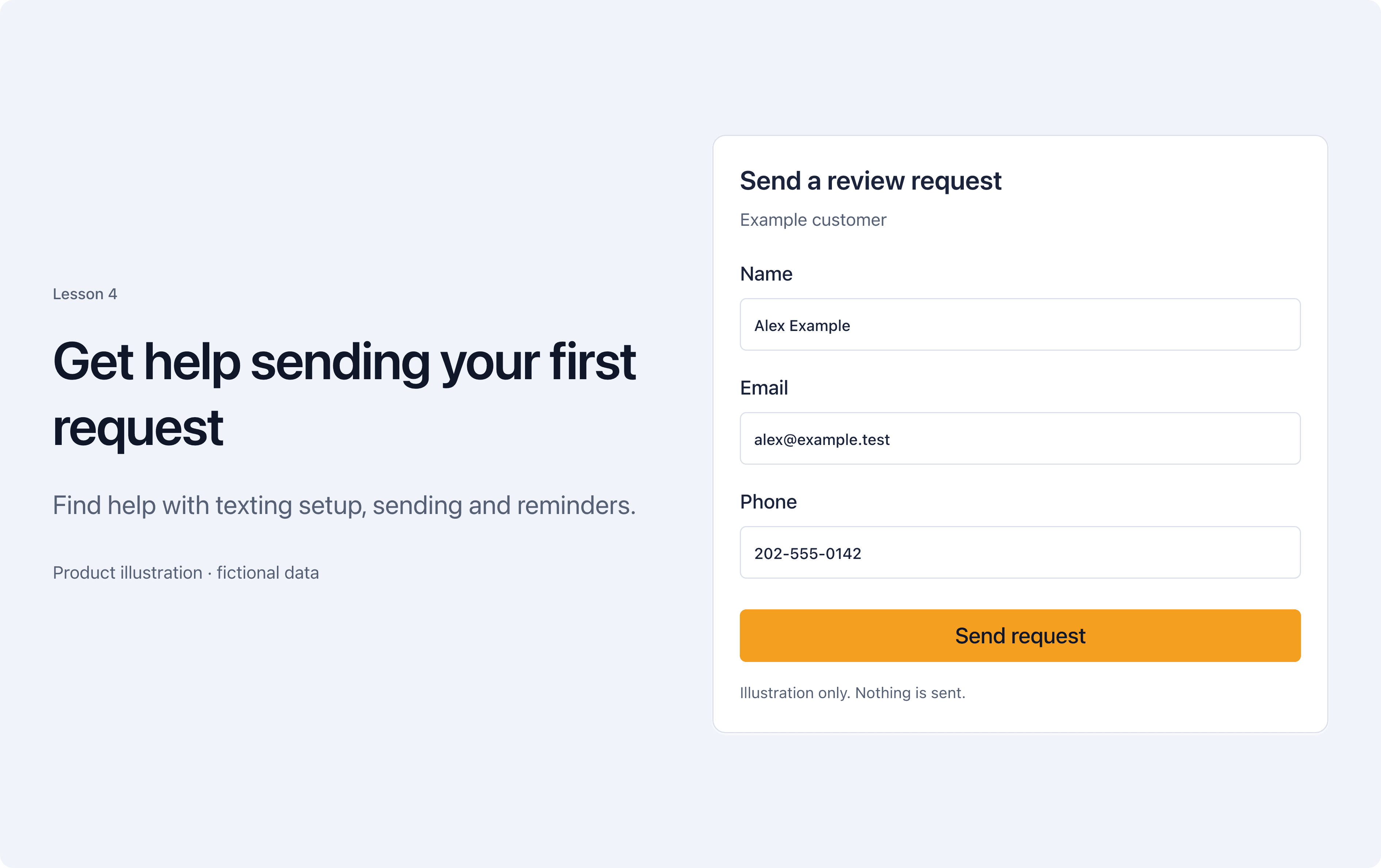
Find help with texting setup, sending and reminders.
Choose how to send
ReviewNudger can send review requests by text or email. Check your sending setup. Then pick text or email, whichever you have permission to use for that customer.
Check the request afterward
Open the request to see which message went out and which follow-ups are scheduled. If a message did not send, ReviewNudger records the reason. Check it there.
Try it yourself
Open the help collection and check the setup steps for the channel you plan to use.
Get help with review requests