
Learn ReviewNudger
See how review requests work, then find the setup steps for your account and software. Follow the lessons in order or choose the step you’re working on. Each lesson includes an example and something to try.
- A short demo
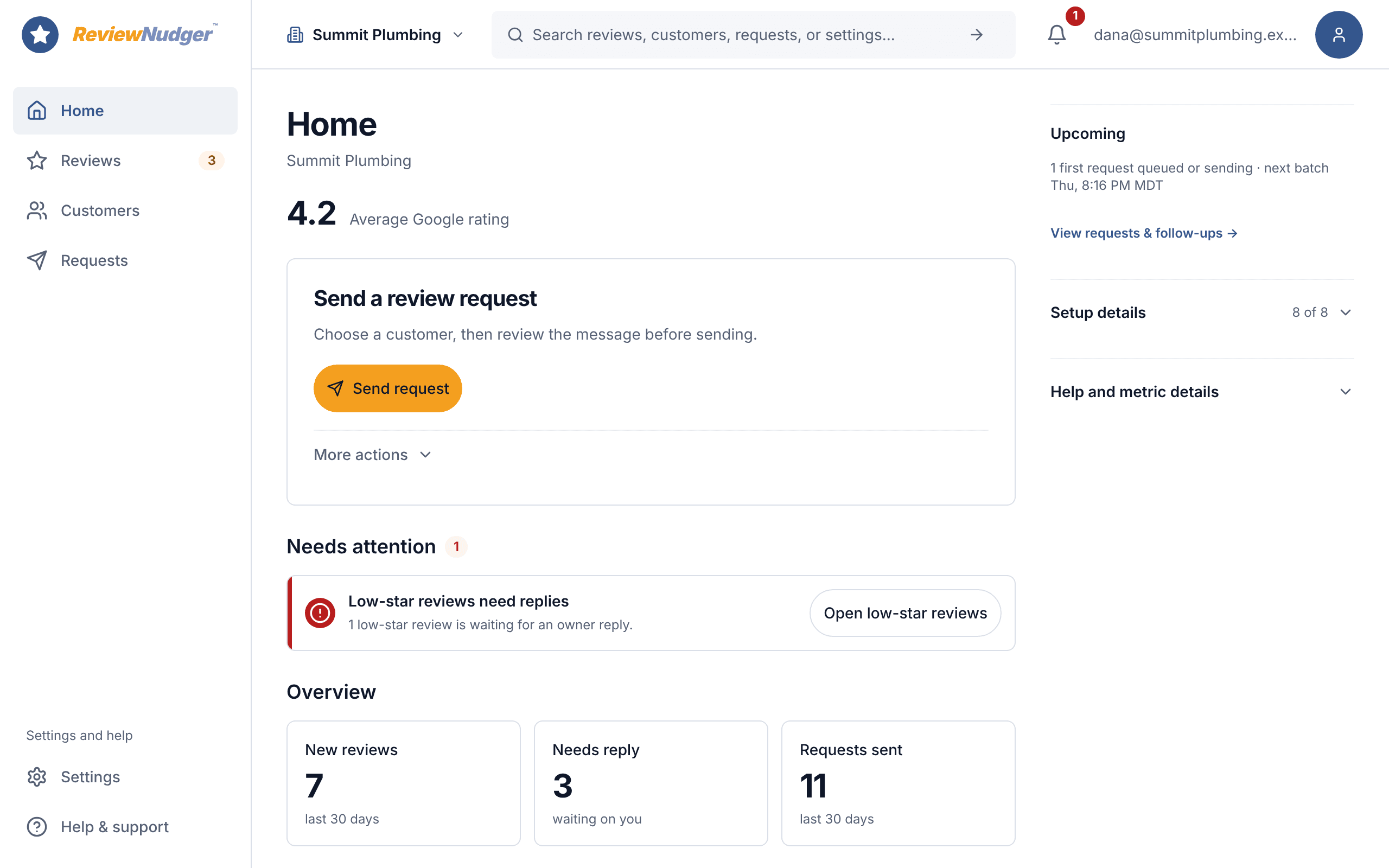
- A product tour
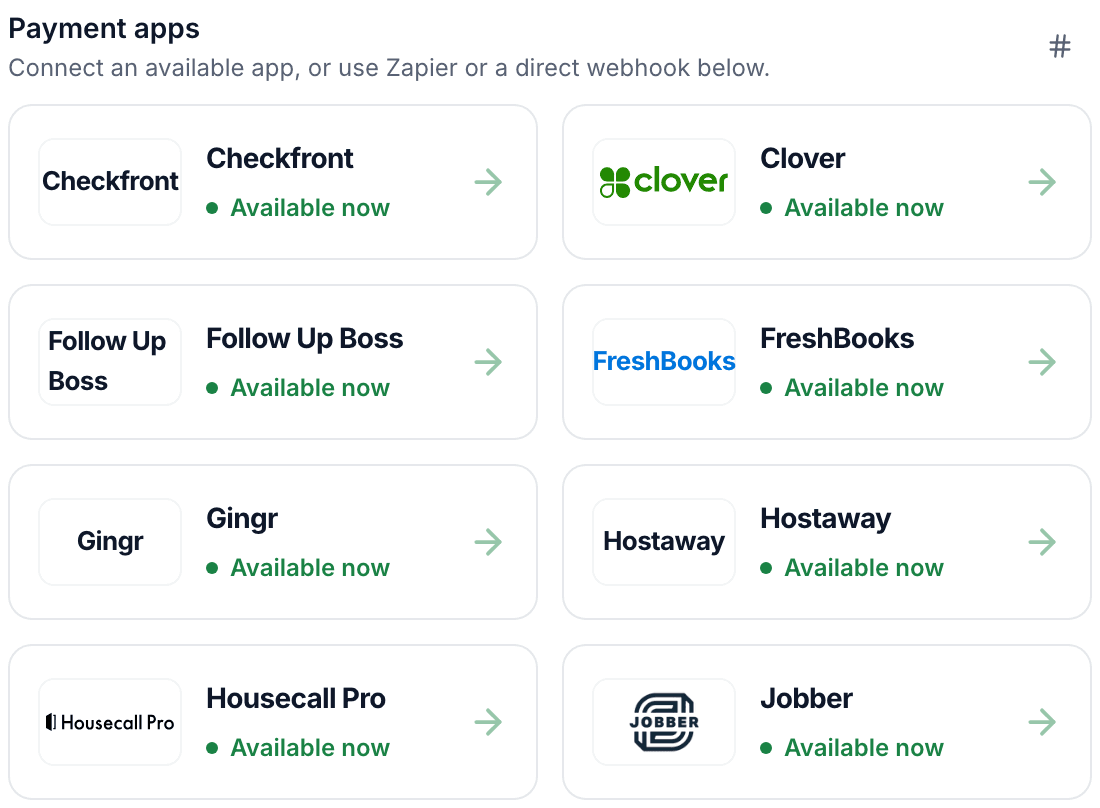
- Setup guides
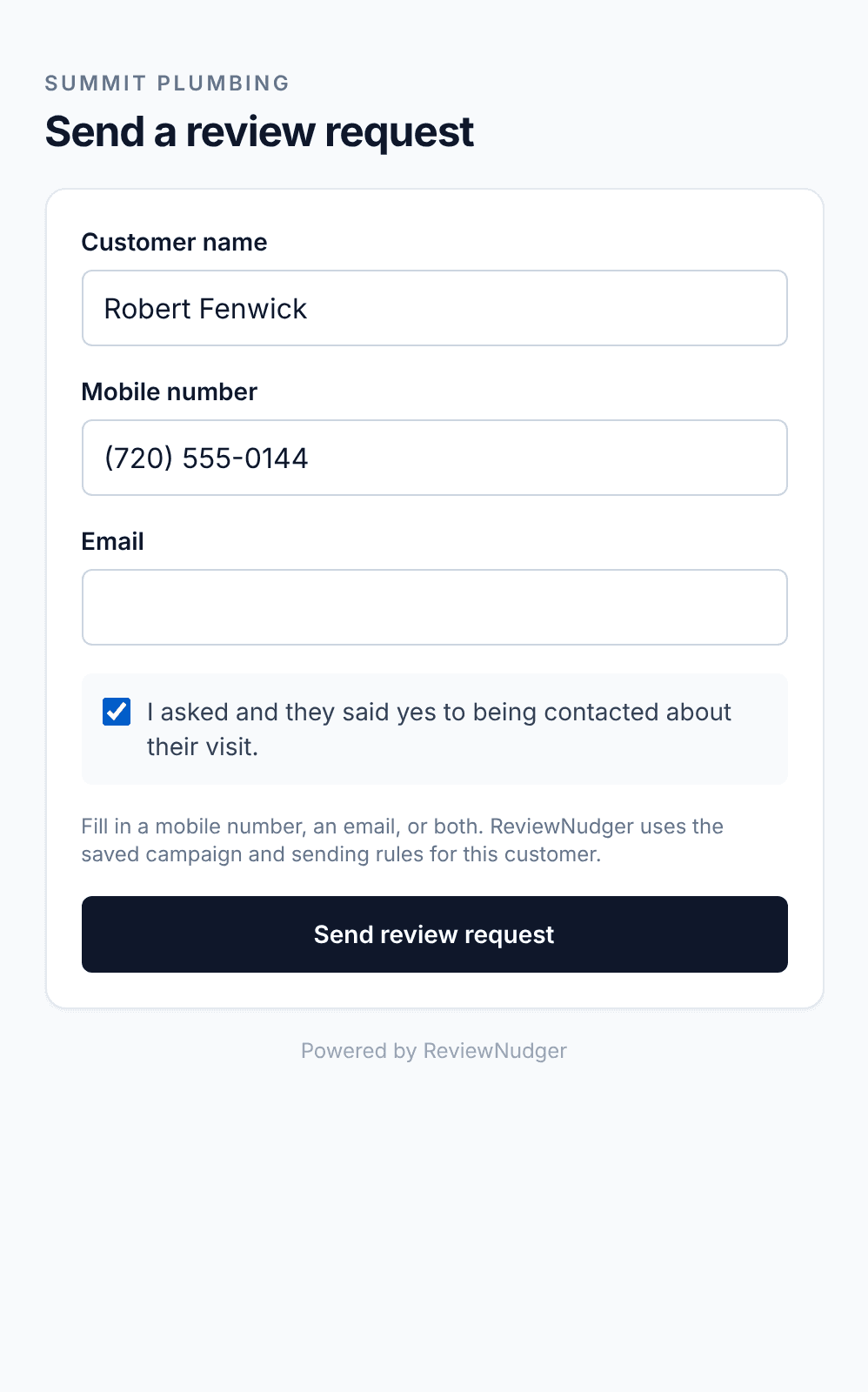
- Your first request
Start here
Questions about the lessons
Do I need an account to take the lessons?
You can read the lessons and open the examples without an account. Sign in to make changes to your own setup.
Where should I start if I’m connecting an app?
Start with the third lesson. It shows you how to find the guide for your app and check what starts a review request.
Where do I go if a request doesn’t send?
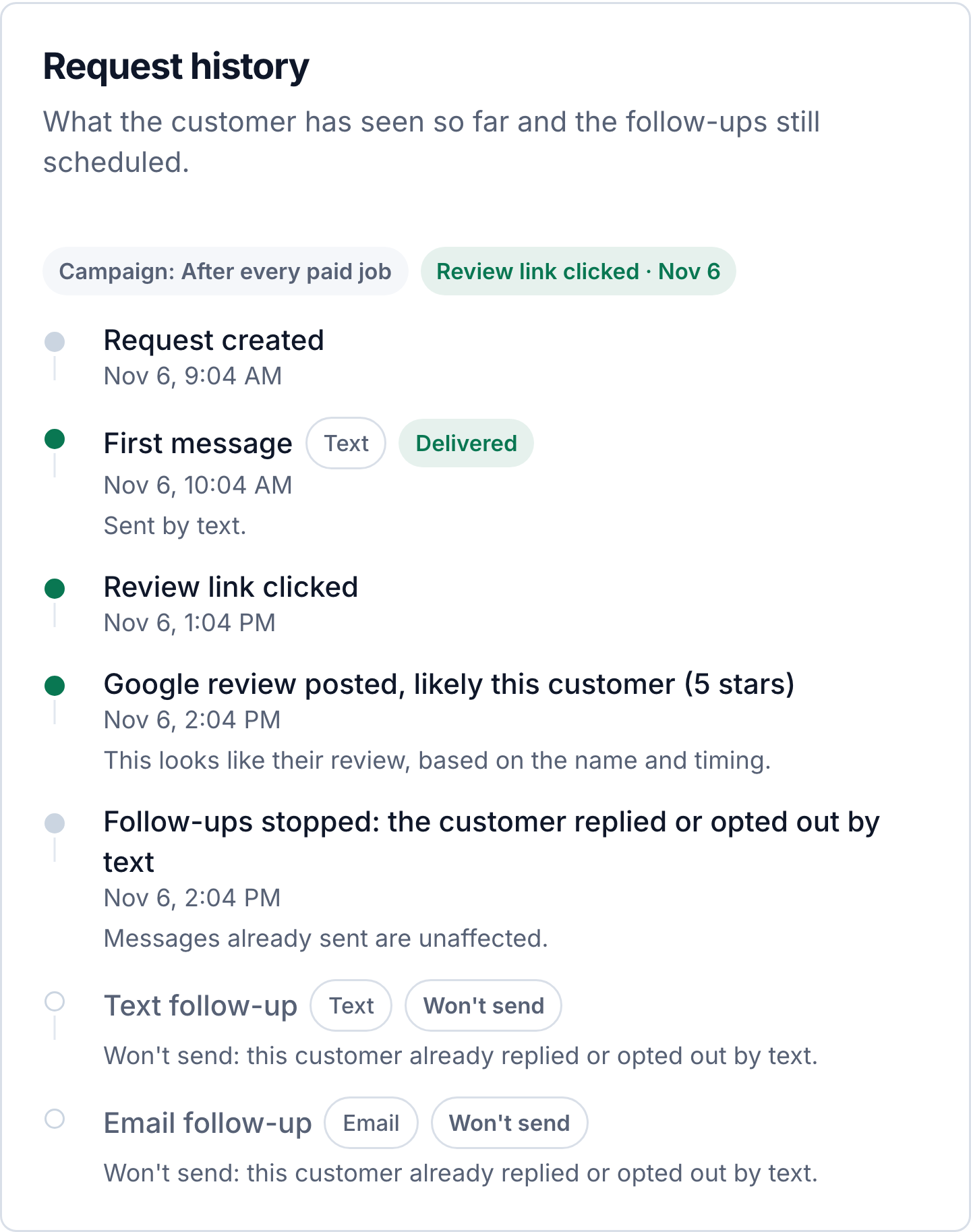
Start with the fourth lesson for help with sending and reminders. Open the request in ReviewNudger to see its status and the reason it did not send.
Start getting reviews from the customers you already have.
Try ReviewNudger free for 14 days. Connect your software and every customer gets a text or email asking for a Google review.
14 days free, then $29/month per location. Card required.
See pricing