Send review requests automatically from FreshBooks
FreshBooks connects natively to ReviewNudger: when a payment is recorded in FreshBooks, the event can create one neutral Google review request by SMS or email, subject to your sending rules — automatically, with no middleware in between.
14-day free trial · card required · then $29/mo per location · cancel anytime
Trial: up to 50 SMS attempts from your approved toll-free number or, when the sending conditions are met and one is available, a ReviewNudger number during carrier review. See pricing for sending limits.
How it works
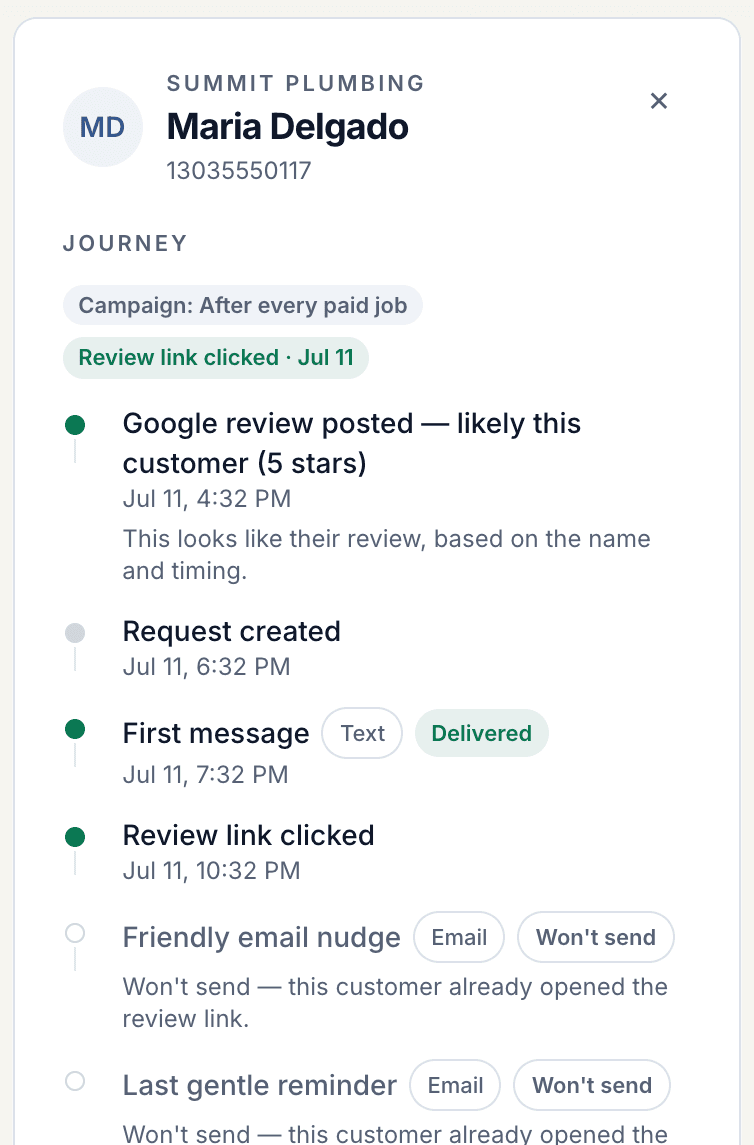
- 1Connect FreshBooks to ReviewNudger through FreshBooks' standard OAuth authorization. Your invoices and books stay in FreshBooks; ReviewNudger only listens for payment events.
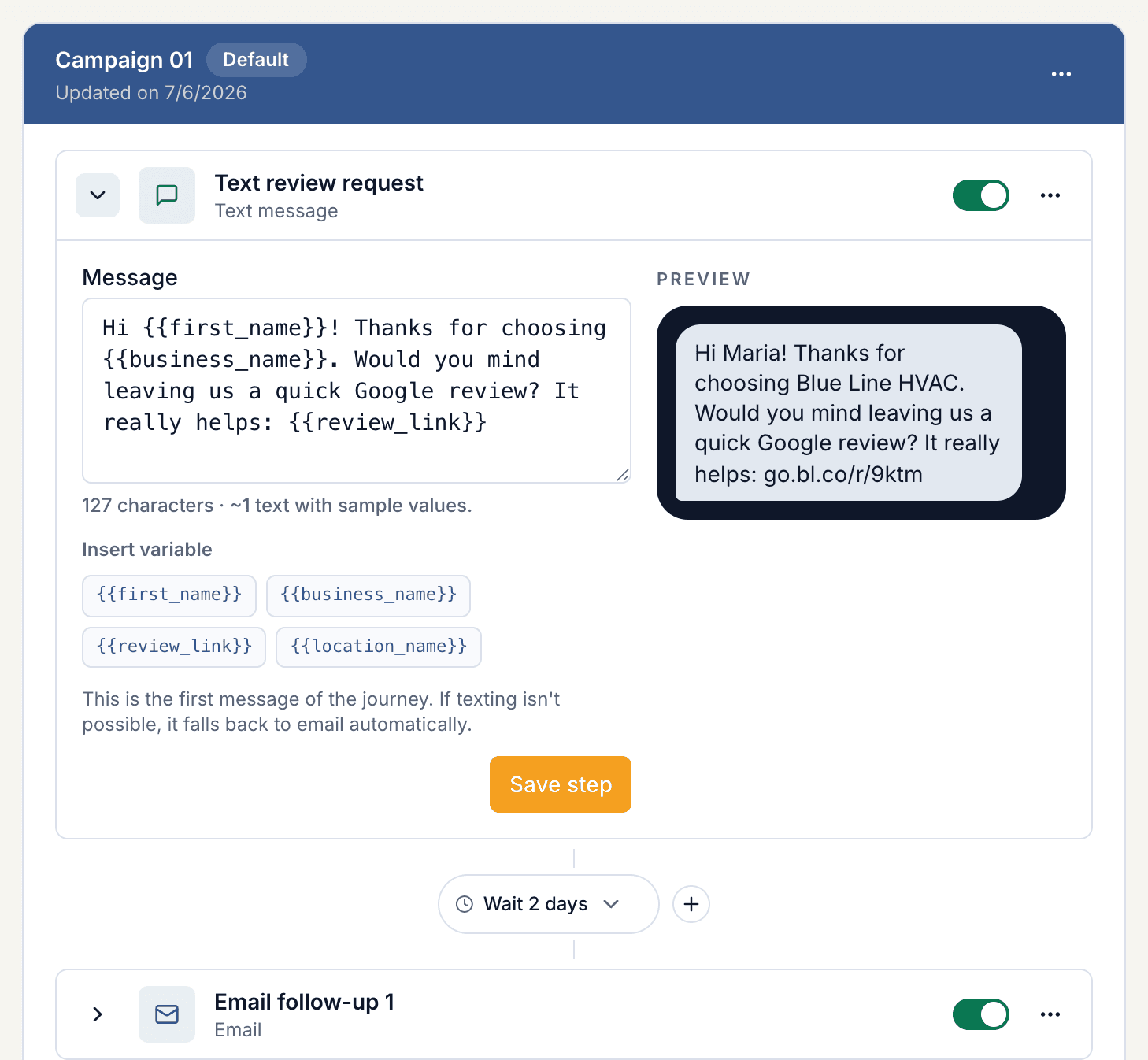
- 2When a payment is recorded in FreshBooks — a client pays an invoice online, or you log a payment yourself — ReviewNudger receives the event, looks up the client's contact details, and applies your sending rules. It can then send one neutral Google review request by SMS or email.
- 3Every send is tracked with delivery status, opt-outs, and review click-through, all visible from one dashboard.
FreshBooks is invoicing and accounting software for small businesses — invoices, expenses, and online payments in one place. Learn more at freshbooks.com. FreshBooks has approved this integration — find ReviewNudger in the FreshBooks AppStore.
Why a native connection beats middleware
The same four guarantees on every native integration — because they come from the platform, not the connector.
No middleware account or per-task fees
The connection runs directly between your account and ReviewNudger. There is no third-party automation account to maintain and no per-task metering on your review requests.
No manual field mapping
ReviewNudger already knows the provider's payload. Customer name, phone, and email resolve automatically — there are no field mappings to build or quietly break later.
Built-in duplicate protection
Every incoming event is deduplicated before any message goes out, so provider retries and replays can never double-text a customer.
Opt-out compliance handled
STOP replies and email unsubscribes are recorded per customer and honored automatically on every future trigger.
Set up the FreshBooks integration
- 1Start a ReviewNudger trial and finish the short signup.
- 2Choose FreshBooks as your payment trigger and approve the FreshBooks connection — or start from the ReviewNudger listing in the FreshBooks AppStore.
- 3Record a real payment in FreshBooks to confirm the trigger end to end.
- 4Done. Each recorded payment can now start one automatic review request under your sending rules.
Related resources
Useful next steps for choosing a trigger, setting up the request, and putting the workflow into practice.
Frequently asked questions
Do I need a Zapier account to connect FreshBooks?
No. The FreshBooks integration is native: you connect it directly inside ReviewNudger, with no middleware account, no per-task automation fees, and no field mapping to maintain.
What exactly triggers a review request?
Each time a payment is recorded in FreshBooks, ReviewNudger records the event and evaluates it against your per-location send delay, cooldown, contact, and channel rules. One matching event can create one review-request journey by SMS or email.
Can a retry or duplicate webhook double-text a customer?
No. Every incoming event is deduplicated before any message is sent, and each event can create at most one review request. Provider retries and replays collapse onto the same request instead of sending twice.
What about customers who opt out?
SMS recipients can reply STOP at any time and email recipients can unsubscribe. Opt-outs are recorded per customer and honored across every future FreshBooks-triggered event.
Questions before you start? Email support@reviewnudger.com and a human will answer.

Make review requests part of your routine.
Set up in about 10 minutes. Requests go out after each paid job, follow-ups run on their own, and every review lands in one inbox.
$0 today · card required · no charge until your 14-day trial ends · $29 a month per location after that