
Check which event can start a request and how to connect your app.
Find the app you use
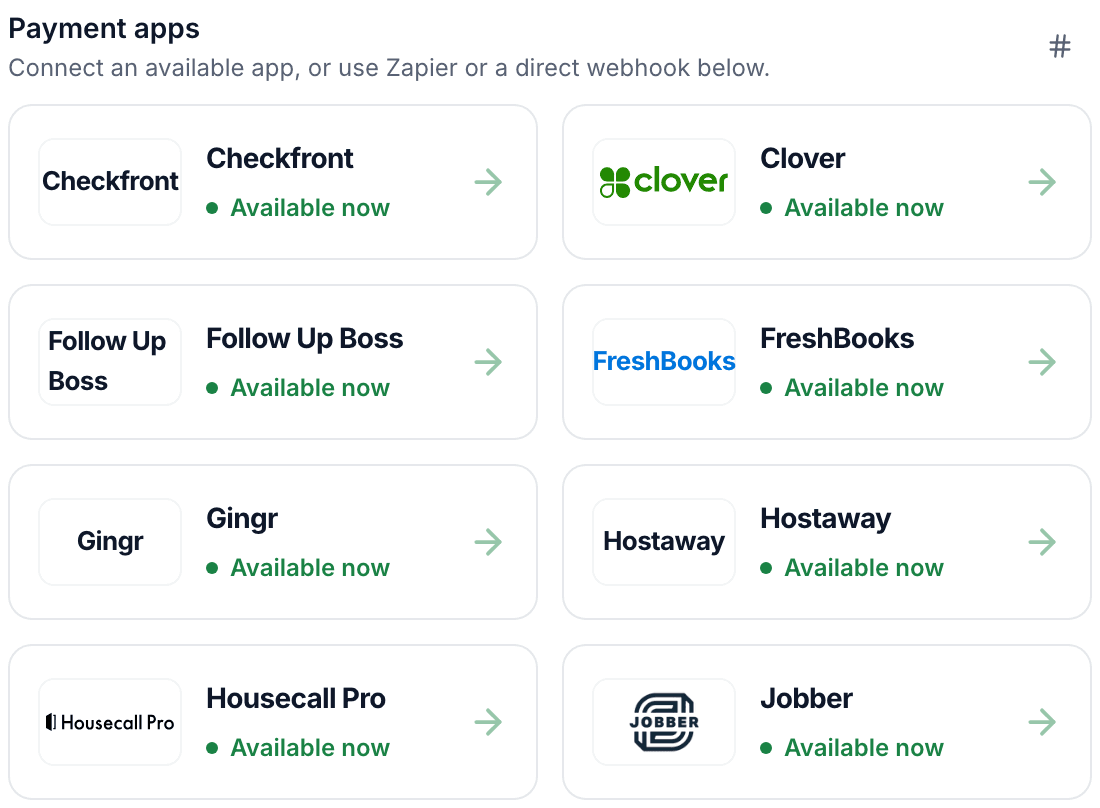
Search the integration directory for your payment or scheduling software. The app page says whether it connects directly or uses a tool such as Zapier or Make.
Check which event starts a request
Read the setup guide for your app. Check which event ReviewNudger uses: a payment, a completed appointment, or another supported event.
Try it yourself
Look up the software you use today. Pick the event you would use to start a review request.
Browse integration setup guides