
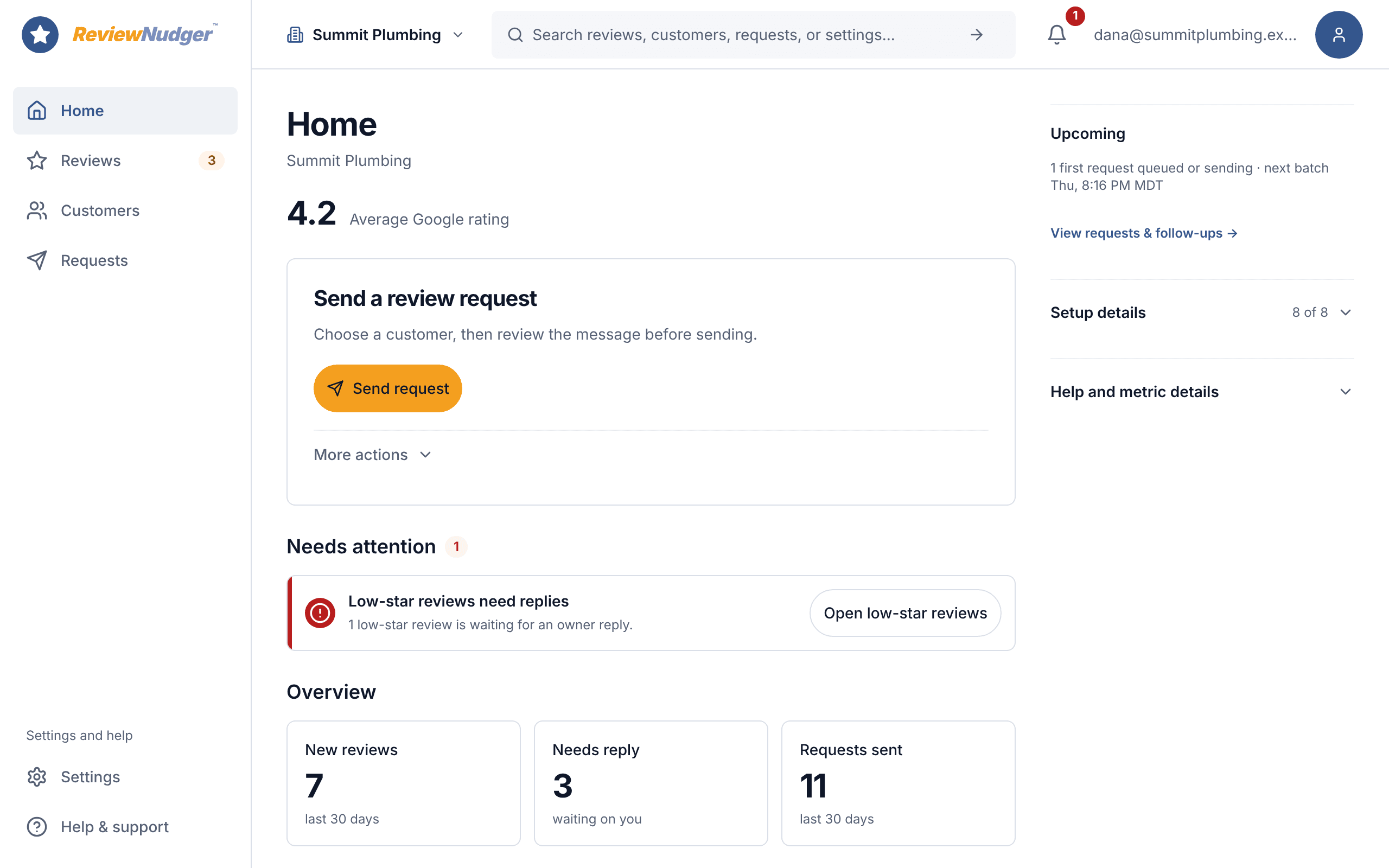
See how the dashboard, reviews, customers and settings fit together.
Check what happened to a request
The request detail shows what started the request. It also records what happened to each message. Open a request to check its status.
Find the Google review inbox
Use the Reviews screen to read reviews from your connected Google Business Profile. You can start with an AI reply draft and edit it before posting.
Try it yourself
In the tour, find the Reviews screen and the screen you would use to check a sent request.
Open the product tour