Native integration
Send review requests automatically from Checkfront
Checkfront connects natively to ReviewNudger: when a booking ends in Checkfront, the event can create one neutral Google review request by SMS or email, subject to your sending rules — automatically, with no middleware in between.
14-day free trial · card required · then $29/mo per location · cancel anytime
Trial: up to 50 SMS attempts from your approved toll-free number or, when the sending conditions are met and one is available, a ReviewNudger number during carrier review. See pricing for sending limits.
How it works
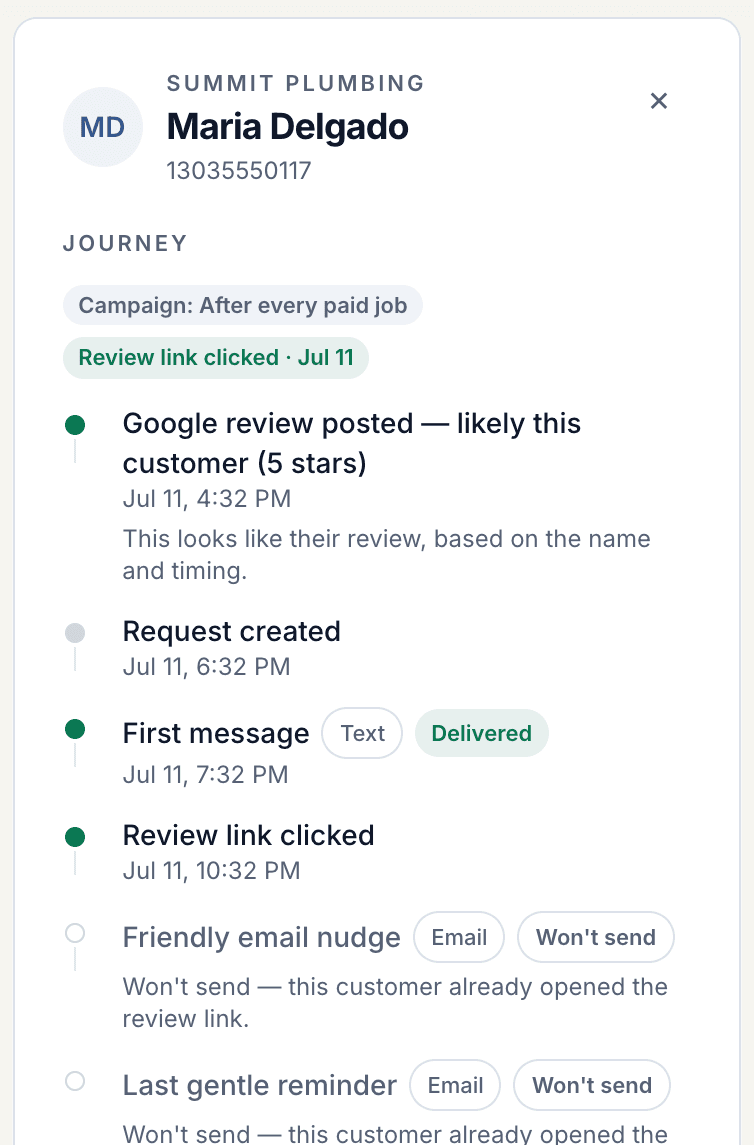
- 1Connect Checkfront to ReviewNudger with an API application you create in Checkfront yourself — no password sharing, no OAuth screen, no partner approval to wait on. Your inventory, customers, and bookings stay in Checkfront; ReviewNudger only reads which bookings ended and who the customer was.
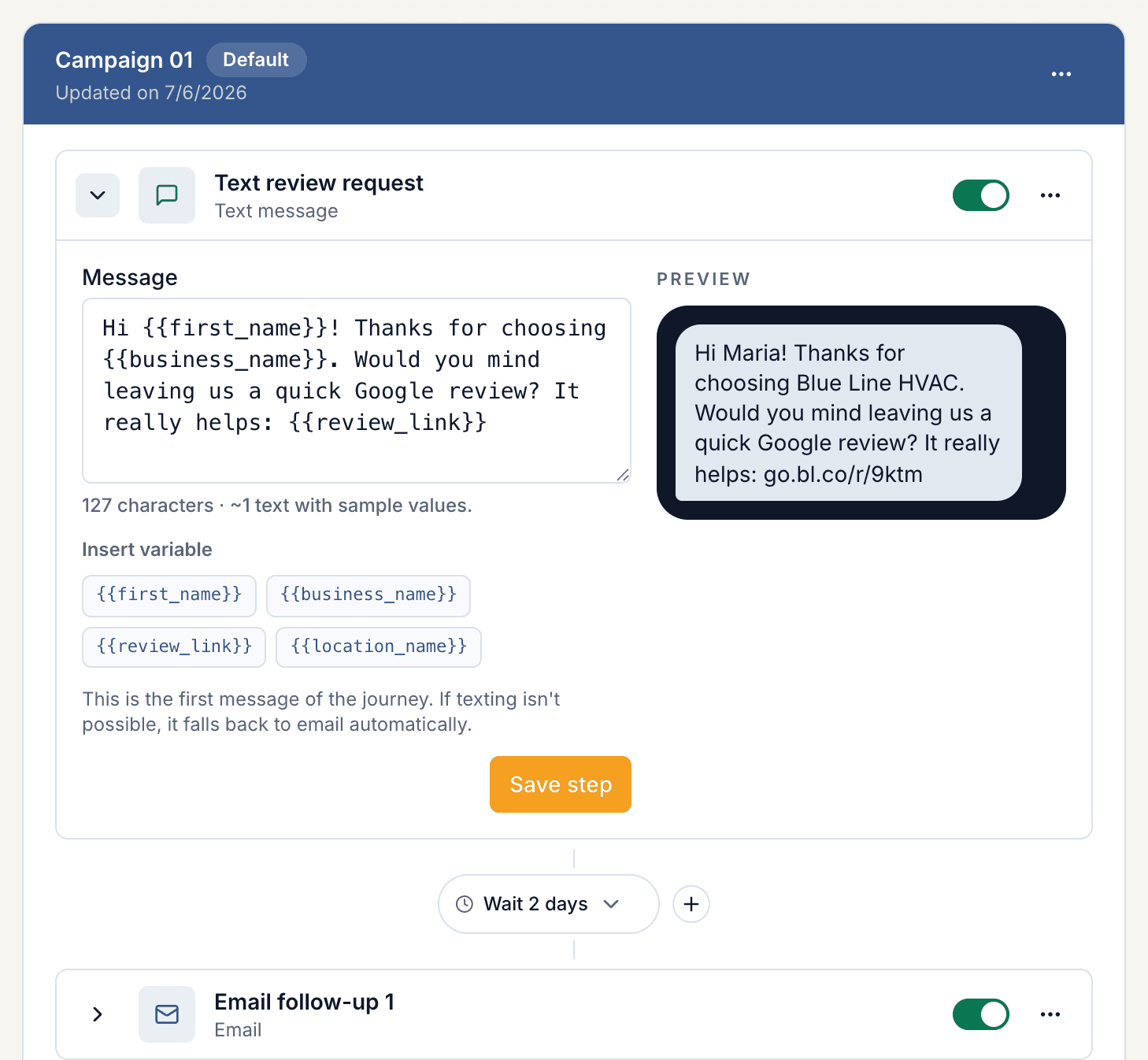
- 2ReviewNudger checks your account every few minutes. When a booking's end time passes and its status is a confirmed one — paid, deposit taken, or reserved — it reads the customer's email and phone from the booking, applies your sending rules, and can send one neutral Google review request by SMS or email after the delay you choose — that evening, or the next morning while the trip is still fresh.
- 3Each booking asks once, however many items or days it holds. Pending, waitlisted, cancelled, and voided bookings never trigger anything, and bookings that ended before you connected are never backfilled. Every send is tracked with delivery status, opt-outs, and review click-through.
Why a native connection beats middleware
The same four guarantees on every native integration — because they come from the platform, not the connector.
No middleware account or per-task fees
The connection runs directly between your account and ReviewNudger. There is no third-party automation account to maintain and no per-task metering on your review requests.
No manual field mapping
ReviewNudger already knows the provider's payload. Customer name, phone, and email resolve automatically — there are no field mappings to build or quietly break later.
Built-in duplicate protection
Every incoming event is deduplicated before any message goes out, so provider retries and replays can never double-text a customer.
Opt-out compliance handled
STOP replies and email unsubscribes are recorded per customer and honored automatically on every future trigger.
Set up the Checkfront integration
- 1Start a ReviewNudger trial and finish the short signup.
- 2In Checkfront, open Manage › Developer, click New Application, choose Token authentication, name it ReviewNudger, and create it; open it to see the API Key and API Secret.
- 3Paste your Checkfront address (your-company.checkfront.com), the API Key, and the API Secret into ReviewNudger under Settings › Integrations › Checkfront and click Connect.
- 4Let a real paid booking pass its end time to confirm the trigger end to end.
- 5Done. Each ended booking can now start one automatic review request under your sending rules.
Related resources
Useful next steps for choosing a trigger, setting up the request, and putting the workflow into practice.
Frequently asked questions
Do I need a Zapier account to connect Checkfront?
No. The Checkfront integration is native: you connect it directly inside ReviewNudger, with no middleware account, no per-task automation fees, and no field mapping to maintain.
What exactly triggers a review request?
Each time a booking ends in Checkfront, ReviewNudger records the event and evaluates it against your per-location send delay, cooldown, contact, and channel rules. One matching event can create one review-request journey by SMS or email.
Can a retry or duplicate webhook double-text a customer?
No. Every incoming event is deduplicated before any message is sent, and each event can create at most one review request. Provider retries and replays collapse onto the same request instead of sending twice.
What about customers who opt out?
SMS recipients can reply STOP at any time and email recipients can unsubscribe. Opt-outs are recorded per customer and honored across every future Checkfront-triggered event.
Do I need a particular Checkfront plan or a partner listing?
No. Any Checkfront account with API access lets an admin create a token-authentication application under Manage › Developer; that is all ReviewNudger needs. If your account has moved to Checkfront's new bookingplatform.app address, paste that address instead — ReviewNudger follows the move either way.
Which bookings count, and when is the customer asked?
Bookings whose end time has passed and whose status is a confirmed one — Paid, Deposit, Reserved, and your own confirmed-style custom statuses. Pending, pre-booking, waitlisted, cancelled, and voided bookings are never asked, nor are custom statuses named like a cancellation or no-show. The request goes to the booking's customer using the email and phone on the booking; bookings with neither are recorded and skipped, and the connection panel shows how many.
We rent kayaks by the hour and run multi-day trips. Does the timing work for both?
Yes. ReviewNudger uses each booking's own end time — the return hour for a rental, the last day for a multi-day trip — and your delay counts from that moment, so a family back from a three-day paddle and a couple returning a tandem at four are each asked once, at the right time.
Questions before you start? Email support@reviewnudger.com and a human will answer.

Make review requests part of your routine.
Set up in about 10 minutes. Requests go out after each paid job, follow-ups run on their own, and every review lands in one inbox.
$0 today · card required · no charge until your 14-day trial ends · $29 a month per location after that